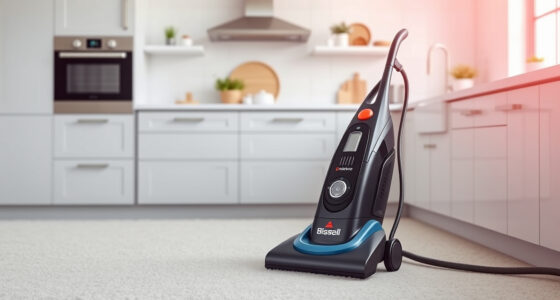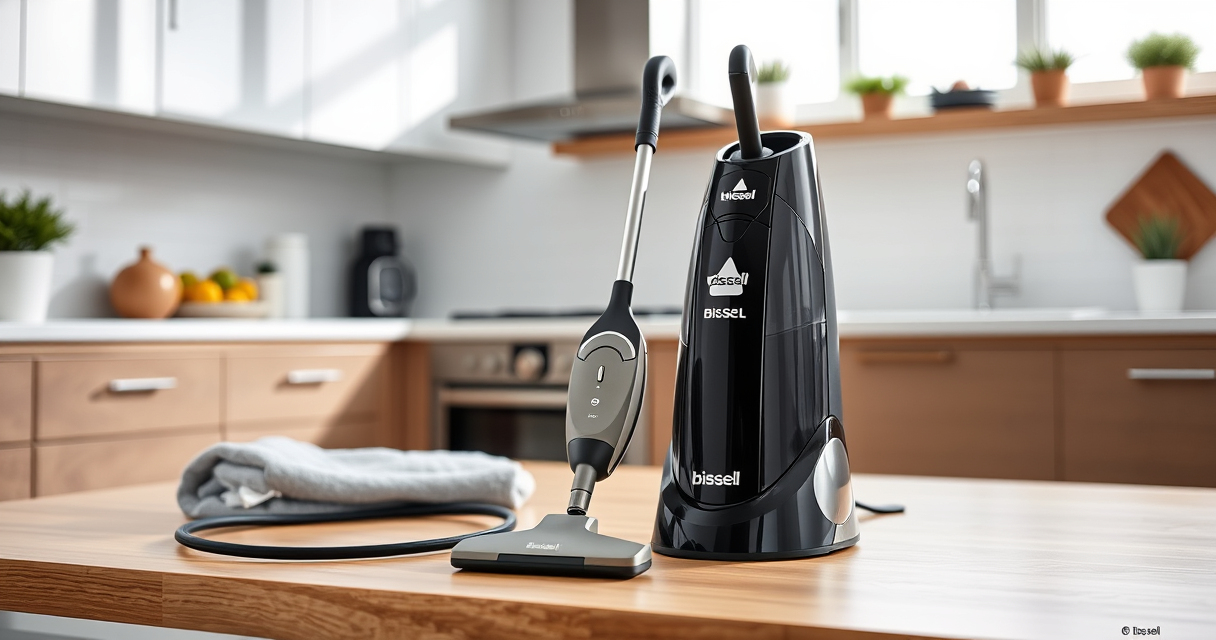

If your Bissell carpet cleaner isn’t pulling up water or dirt, it can be frustrating. No suction often indicates an issue that can be fixed with some simple troubleshooting. This guide walks you through the common causes, step-by-step solutions, and safety tips to restore optimal performance.

Get pet supplies delivered free — and shop member deals
- Fast, free delivery on millions of items
- Access to Prime Big Deal Days deals on October 6–7
- Prime Video, Amazon Music and more included
Follow these instructions carefully to ensure your carpet cleaner works effectively, keeping your home clean and fresh.
Key Takeaways
| Check for blockages | Clogs in hoses or filters reduce suction. |
| Inspect the water and solution tanks | Low water or improper filling affects suction. |
| Examine the brush roll and belts | Worn or tangled brushes can impede suction. |
| Ensure proper assembly | Incorrect setup can cause suction failure. |
| Test the motor and filters | Malfunctioning motors or dirty filters hinder suction. |
Step 1: Power and Settings Check
- Ensure the cleaner is plugged in securely and the power switch is ON.
- Confirm the mode is set to cleaning, not dry or off.
Step 2: Inspect the Water and Solution Tanks
- Remove both tanks and check for proper filling and secure placement.
- Make sure the tanks are seated firmly, as loose tanks can block suction pathways.
Step 3: Clear Blockages and Clean Filters
- Disconnect the machine from power before inspecting hoses and nozzles.
- Check for clogs in the hose, nozzle, and brush roll area.
- Remove and clean any filters, especially the intake filters, following the manufacturer’s instructions.
Step 4: Examine the Brush Roll and Belts
- Check if the brush roll spins freely and is free of tangled hair or debris.
- Inspect belts for wear or breakage and replace if necessary.
Step 5: Test the Motor and Reassemble
Turn on the cleaner after reassembling and test for suction. If the problem persists, the motor or internal components may need professional servicing.
The Products in This Guide

BISSELL ProHeat 2X Revolution Pet Turbo Upright Carpet C
- ✔ Weight: 18.6 pounds
- ✔ Cord Length: 25 feet
- ✔ Tank Capacity: 1.25 gallons

JORAIR Brush Replacement Compatible
- ✔ Package Count: 3 rolls
- ✔ Filter Count: 3
- ✔ Cleaning Brush: Included
BISSELL ProHeat 2X Revolution Pet Turbo Upright Carpet C
The BISSELL ProHeat 2X Revolution Pet Turbo Upright Carpet Cleaner features TurboStrength™ Motor Technology, delivering 40% more suction power and 50% noise reduction for a quieter, more efficient clean. It’s built for removing embedded dirt, stains, and allergens with ease.
Pros:
- Powerful suction with TurboStrength™ motor
- Multiple cleaning modes including MAX and EXPRESS
- HeatWave Technology maintains water temp
- Dual DirtLifter PowerBrushes for deep cleaning
Cons:
- Heavier than some models
- Requires regular filter cleaning
- Higher initial cost
Best for: Pet owners and heavily soiled carpets
Not ideal for: Light cleaning tasks or small areas
Bottom line: Reliable, powerful cleaning with advanced features for pet owners.
JORAIR Brush Replacement Compatible
The JORAIR Brush Replacement Compatible with Bissell CrossWave provides an effective way to restore cleaning performance. Its design ensures compatibility and durability, helping maintain suction power.
Pros:
- Easy to install
- Compatible with multiple CrossWave models
- Effective deep cleaning
- Affordable replacement
Cons:
- May not fit all Bissell models
- Requires periodic replacement
- Limited to compatible models
Best for: Maintaining brush efficiency
Not ideal for: If your machine has other issues like motor problems
Bottom line: A cost-effective way to keep your CrossWave performing well.
Frequently Asked Questions
Why does my Bissell carpet cleaner have no suction?
Common causes include clogs in hoses or filters, low water levels, improper assembly, or worn brushes. Troubleshooting these areas often restores suction.
How often should I clean the filters and brushes?
Filters should be cleaned after every few uses or when visibly dirty. Brushes should be checked and cleaned regularly to prevent tangles and maintain performance.
Can I use any cleaning solution with my Bissell?
It’s best to use manufacturer-recommended solutions like the BISSELL Multi-Surface Solution or deep cleaning formulas to avoid damage and ensure optimal cleaning.
What if my cleaner still has no suction after troubleshooting?
If issues persist, consider contacting Bissell customer service or a professional repair service, as there may be internal motor or component problems.
Restore Your Carpet Cleaner’s Suction Power
With a systematic approach, you can identify and fix most causes of no suction in your Bissell carpet cleaner. Regular maintenance, proper assembly, and timely replacement of worn parts will keep your machine performing at its best. Remember to always follow safety guidelines when inspecting or cleaning internal components to avoid injury or damage.
Affiliate disclosure: As an Amazon Associate we earn from qualifying purchases. Prices and availability are accurate as of the time of publishing.
Halloween Picks
halloween
As an affiliate, we earn on qualifying purchases.