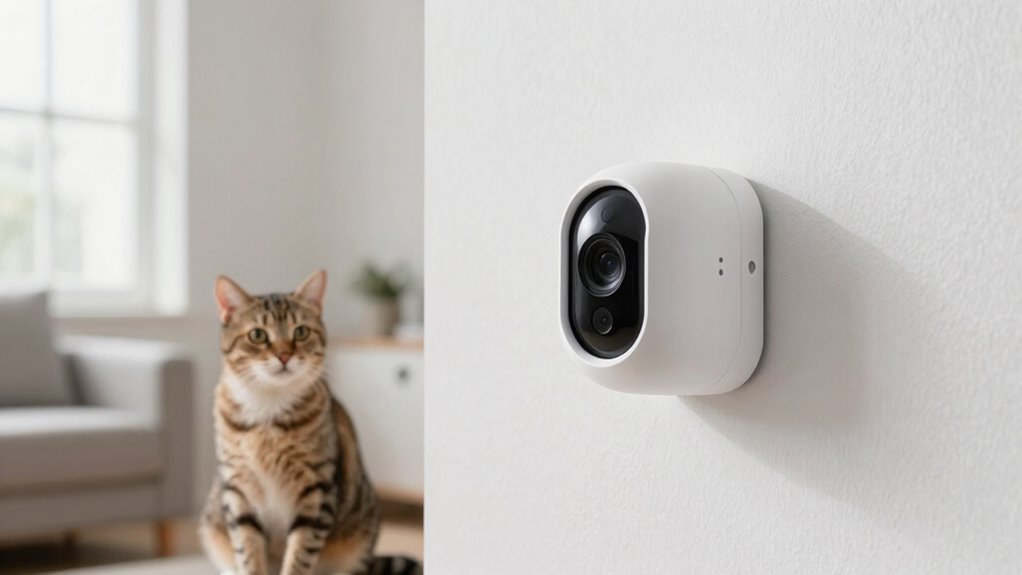

To stop false alerts and clearly see your pet’s behavior, place your camera at eye level or slightly above, avoiding spots over food bowls or litter boxes. Adjust the camera’s angle and set activity zones to focus on key areas while blocking high-traffic spots. Fine-tuning motion sensitivity and adding barriers can eliminate unnecessary triggers. Keep experimenting with placement and zones, and you’ll get more accurate monitoring—discover how to optimize your setup for the best results.

Get pet supplies delivered free with Prime
- Fast, free delivery on millions of items
- Prime Video, Amazon Music and more included
- Member-only deals all year
Key Takeaways
- Place cameras at eye level or slightly above to focus on pet movement and reduce false triggers from shadows or furniture.
- Use wide-angle lenses and adjust angles to eliminate blind spots and improve visibility of your pet’s behavior.
- Create activity zones to monitor specific areas and avoid false alerts triggered by outside motion or clutter.
- Incorporate barriers or block off high-traffic zones to prevent unnecessary alerts from busy or cluttered spaces.
- Regularly test and fine-tune camera sensitivity and angles for accurate detection and clear, reliable footage.
pet camera with adjustable motion zones
As an affiliate, we earn on qualifying purchases.
As an affiliate, we earn on qualifying purchases.
How Camera Placement Affects False Alerts
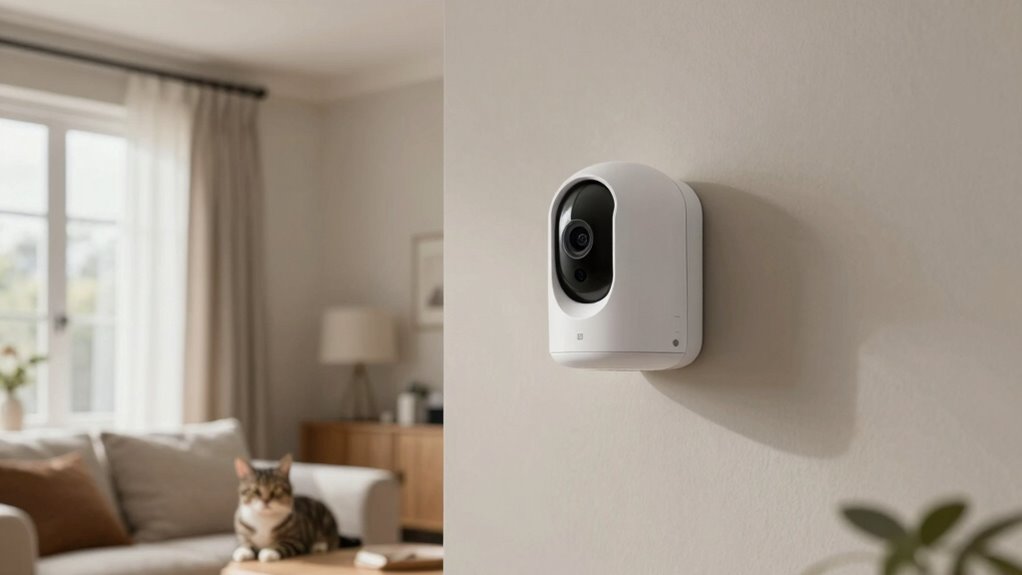
If your pet camera is placed too low or too high, it can easily trigger false alerts. The key is adjusting the camera height to optimize motion sensitivity and reduce unnecessary notifications. When the camera is too low, it might pick up movements from furniture or passing shadows, causing false alarms. Conversely, if it’s too high, it might miss important activity or catch only distant, less relevant motion. Positioning the camera at eye level or slightly above helps it focus on your pet’s movements without overreacting to minor background motions. Fine-tuning the camera height and motion sensitivity settings guarantees alerts are meaningful and reduces false alarms, so you stay informed without constant false notifications. Proper placement makes all the difference in effective monitoring. Additionally, understanding navigation and mapping features can help you position the camera for optimal coverage and accuracy. Considering camera features such as adjustable motion zones can further enhance detection precision and reduce false alerts. Using contrast ratio adjustments can also improve visibility in various lighting conditions, making your pet’s activity easier to monitor. Being aware of camera placement best practices can vastly improve your overall monitoring experience and ensure you catch the important moments. Knowing how power supply options impact camera performance can also help maintain consistent operation in your monitoring setup.
The Best Spots in Your Home for Pet Cameras
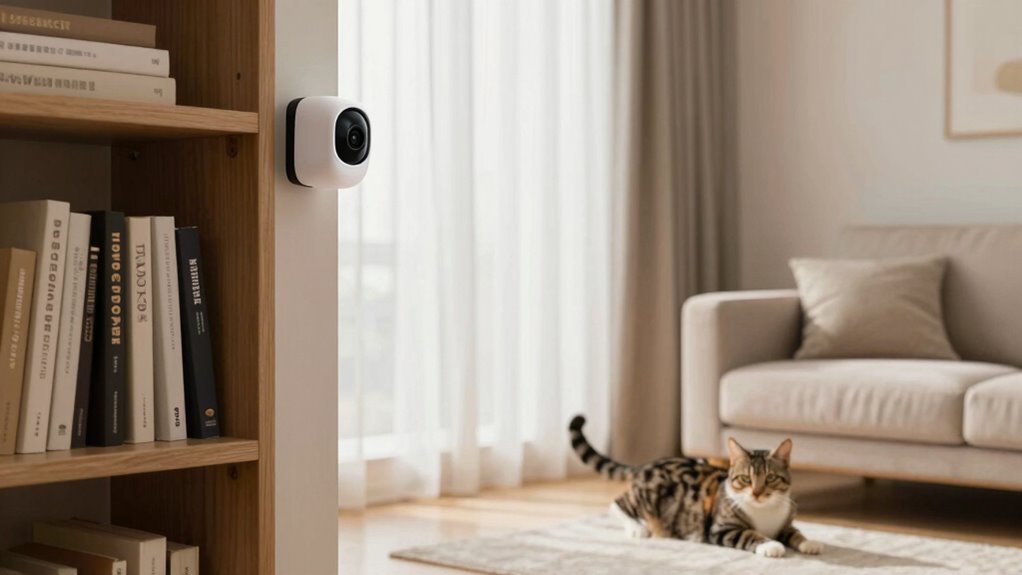
Choosing the right spots for your pet camera is essential to get the best coverage and keep your furry friend safe. Place cameras at eye level to better observe pet behavior and capture clear footage. Common spots include living rooms, entrances, and areas where your pet spends most of their time. Avoid placing cameras directly over food bowls or litter boxes, as this can distort behavior observations. Use camera technology features like wide-angle lenses and motion detection to maximize coverage without creating blind spots. Position cameras near activity zones to monitor interactions and routines. Remember, the goal is to see your pet’s natural behavior, so select spots that provide a thorough view while minimizing false triggers. Proper placement ensures you stay connected and informed. Additionally, understanding your pet’s environment can help you choose the most effective camera placement to support their safety and well-being. Paying attention to visual clarity and lighting conditions can also improve your ability to monitor your pet effectively. In addition, considering home layout can help you identify the best vantage points that cover multiple areas with fewer cameras. Being mindful of camera placement can also prevent your pet from becoming curious or uncomfortable around the device. Moreover, ensuring the placement avoids potential hazards will help keep your pet safe from accidental damage or interference.
Tweak Camera Angles and Set Up Zones to Reduce False Triggers

Adjusting your camera angles and setting up activity zones can considerably cut down on false triggers. Properly tweaking the camera height ensures you capture the right perspective, reducing the chances of detecting irrelevant motion. Position your camera at an ideal height—usually around eye level for your pet—to get clearer views and better motion detection accuracy. Narrowing or customizing activity zones helps focus on areas where your pet spends time, preventing alerts from passing cars, trees, or other moving objects outside those zones. Experiment with different angles to find the sweet spot that minimizes false alarms while still capturing your pet’s behavior. Regular adjustments ensure your camera remains effective, providing reliable alerts and clear footage of your pet’s activities.
Use Barriers and Smart Zones to Focus on Your Pet
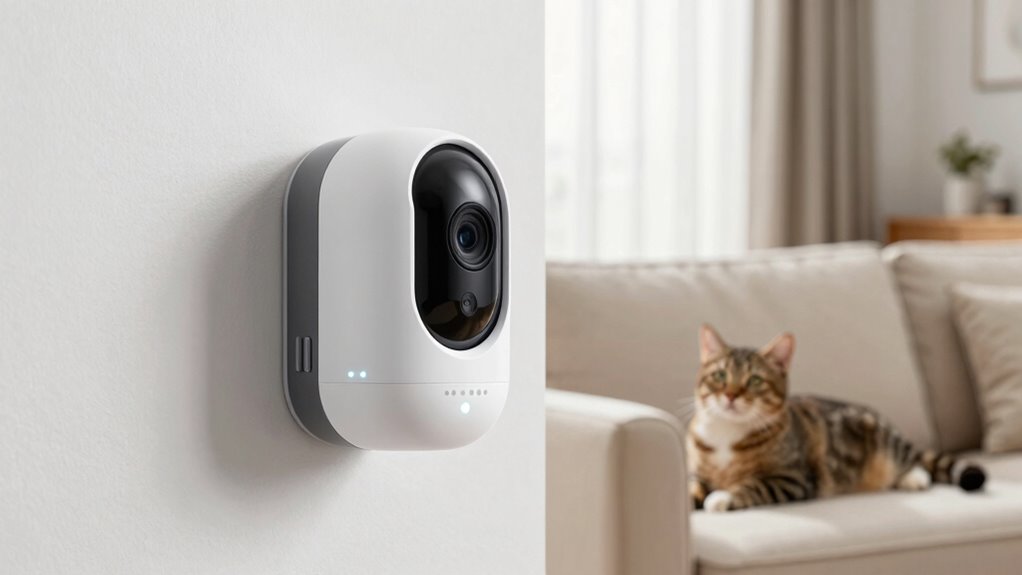
Using barriers and smart zones allows you to direct your camera’s focus precisely where your pet spends most of their time. Adjusting sensor sensitivity helps prevent false alerts triggered by movement outside this zone. Setting up smart zones guides the camera to monitor specific areas, reducing distractions. Proper camera height enhances visibility and ensures your pet remains centered in the frame. Barriers can block off high-traffic or cluttered areas, minimizing unnecessary triggers. Implementing simple organization techniques can further streamline your pet monitoring setup. Additionally, understanding motion detection technology helps optimize your camera’s performance. Recognizing camera placement best practices ensures your setup is most effective for your space. Being aware of camera placement tips can make a significant difference in monitoring effectiveness. Proper camera positioning enhances the overall monitoring experience and reduces false alarms. Here’s a quick overview:
| Aspect | Benefit |
|---|---|
| Sensor sensitivity | Fine-tunes alert accuracy, avoiding false triggers |
| Camera height | Ensures clear view, keeping your pet in focus |
| Barriers | Limits camera’s view to important zones |
| Smart zones | Focuses monitoring on designated areas |
Test and Fine-Tune Your Setup for Clear Monitoring

To guarantee your pet camera captures clear, reliable footage, it’s essential to test your setup thoroughly. Start by checking the camera resolution to ensure your footage is sharp enough to identify behaviors and details. Adjust the angle if you notice blind spots or blurry areas. Next, test the motion detection feature to verify it triggers accurately without false alerts. Walk through the monitored space and observe whether the camera responds appropriately to movement. Fine-tune the sensitivity settings to balance catching genuine activity while avoiding false alarms caused by minor movements. Regularly review recorded footage and live feeds to identify any issues. Making these adjustments ensures your camera provides clear, dependable monitoring so you can see your pet’s behavior without frustration. Additionally, consider your camera placement carefully to maximize coverage and reduce blind spots, leading to more accurate monitoring results. Proper camera positioning can significantly improve the quality and relevance of the footage, ensuring you capture what truly matters. Before finalizing your setup, check the camera’s weather resistance to ensure it functions properly in your environment, especially if placed outdoors. Remember that consistent testing and adjustments are key to maintaining an effective setup that adapts to changes in your environment. Regularly updating your camera settings can also help improve detection accuracy over time.
Frequently Asked Questions
How Often Should I Recalibrate My Pet Camera’s Placement?
You should recalibrate your pet camera’s placement whenever you notice false alerts or if your pet’s behavior isn’t clearly visible. Adjust the camera angle and mounting height to optimize the view, ensuring it captures the right area without blind spots. Regularly check the footage to see if the current setup still works. Recalibrating every few months or after major changes in your pet’s environment helps maintain accurate alerts.
Can Camera Placement Affect the Battery Life of Wireless Pet Cameras?
Yes, camera placement can affect the battery life of wireless pet cameras. If you position it where signal interference is high, the camera works harder to maintain a connection, increasing power consumption. Similarly, placement that requires frequent motion detection or recording also drains the battery faster. To save power, choose a spot with a strong signal and minimal interference, and avoid areas that trigger unnecessary recordings.
Are There Specific Materials That Help Reduce False Alerts?
Think of false alerts as pesky shadows dancing in the corner; choosing the right materials for your camera’s sensor sensitivity helps cut through that fog. Opt for matte or non-reflective surfaces around your camera, which minimize glare and false triggers. Proper camera positioning further enhances accuracy, ensuring your device focuses on genuine activity. By combining thoughtful material choices with strategic placement, you create a clearer lens on your pet’s behavior, free from misleading disturbances.
How Do Lighting Conditions Influence Camera Detection Accuracy?
Lighting conditions critically impact your camera’s detection accuracy. Poor or inconsistent lighting can cause false alerts or missed activity, especially if the camera sensitivity isn’t properly adjusted. To improve performance, make sure your camera is positioned where lighting is stable and sufficient, like near windows or using additional lighting at night. Adjust your camera sensitivity settings accordingly, so it can distinguish between real movement and shadows or glare caused by changing lighting conditions.
What Is the Best Way to Monitor Multiple Pets Simultaneously?
For multi pet monitoring, position your cameras to guarantee minimal view overlap, giving each pet a clear, focused sightline. Use cameras with wide-angle lenses or multiple cameras to cover different areas, reducing blind spots and false alerts. Regularly adjust angles based on pet activity zones, and consider cameras with motion detection zones. This setup helps you effectively track multiple pets without confusion or missed behavior, keeping everyone safe and monitored.
Conclusion
By carefully placing your pet camera, you’re channeling your inner Sherlock, solving the mystery of false alerts. Think of it as tuning a fine instrument—adjusting angles, setting zones, and testing until everything’s in harmony. With a bit of patience, you’ll catch every adorable moment and keep false triggers at bay. Remember, like a steady lighthouse guiding ships safely home, your well-placed camera guarantees you see your pet’s true behavior clearly.
Fall Picks
fall essentials
As an affiliate, we earn on qualifying purchases.